
Search Your Sound Library with Local AI.
Find sound effects, samples, and music with natural language — no need to remember filenames or tags. Curlo runs entirely on your Mac, so your audio files and search queries are never uploaded.
Get it on the Mac App Store Compare the Mac App Store and direct distribution versions of Curlo.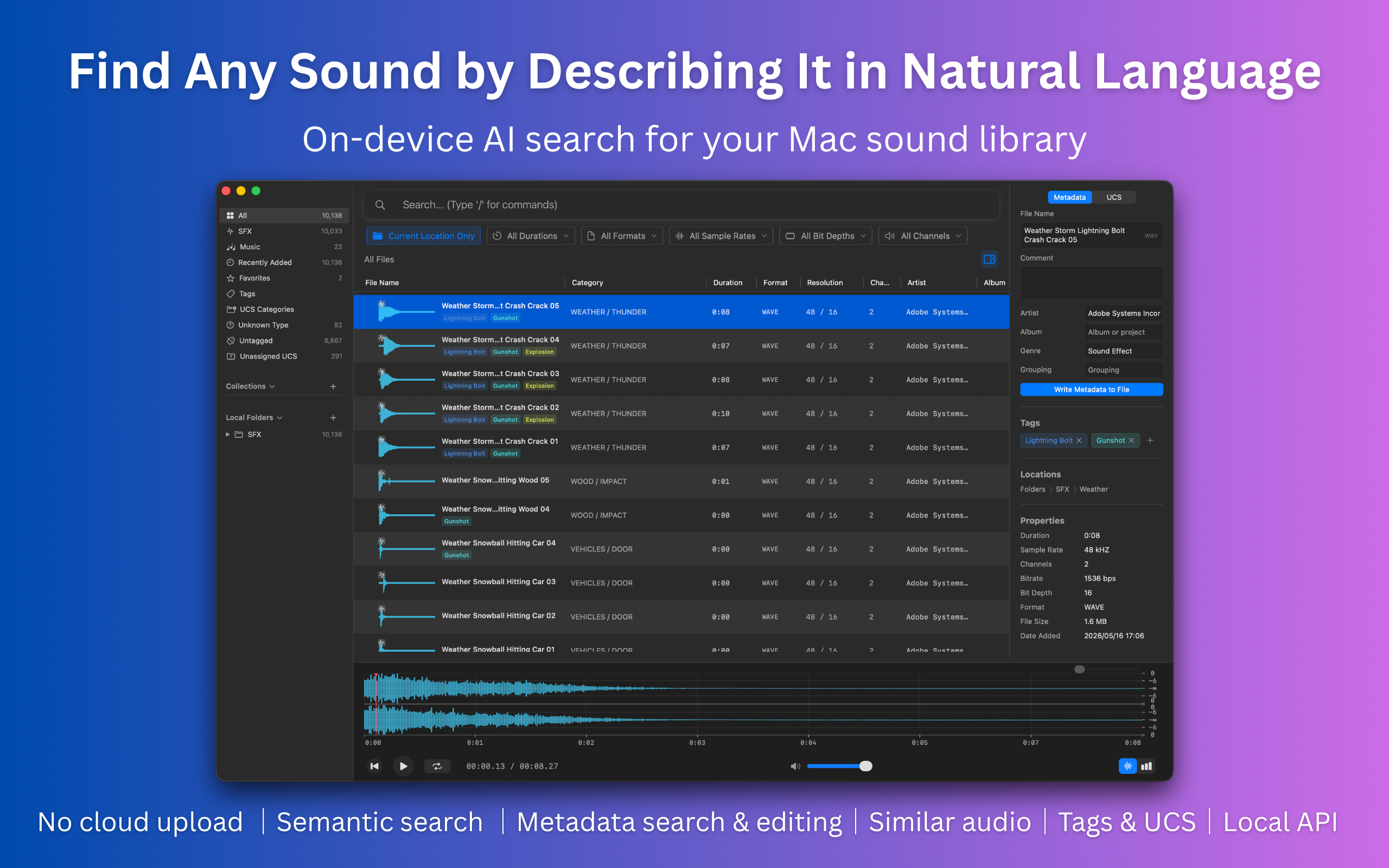
See Curlo in Action
Watch how Curlo helps you find and organize audio assets with local AI search.
Powerful Features
Everything you need to search, organize, and manage your audio library — all running locally on your Mac.
Semantic Search
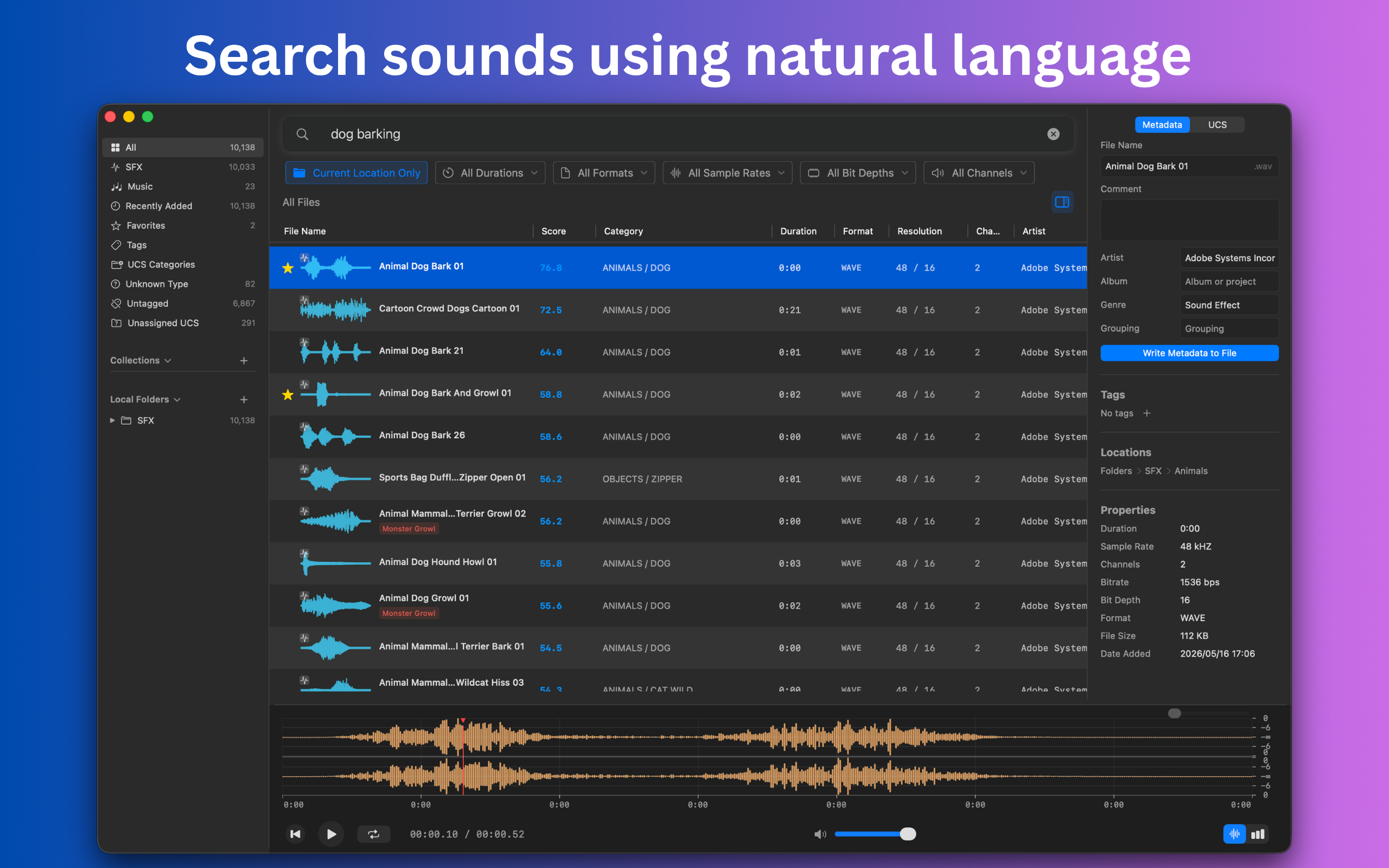
Search your audio files by describing what you want in natural language. No need to remember exact filenames or tags.
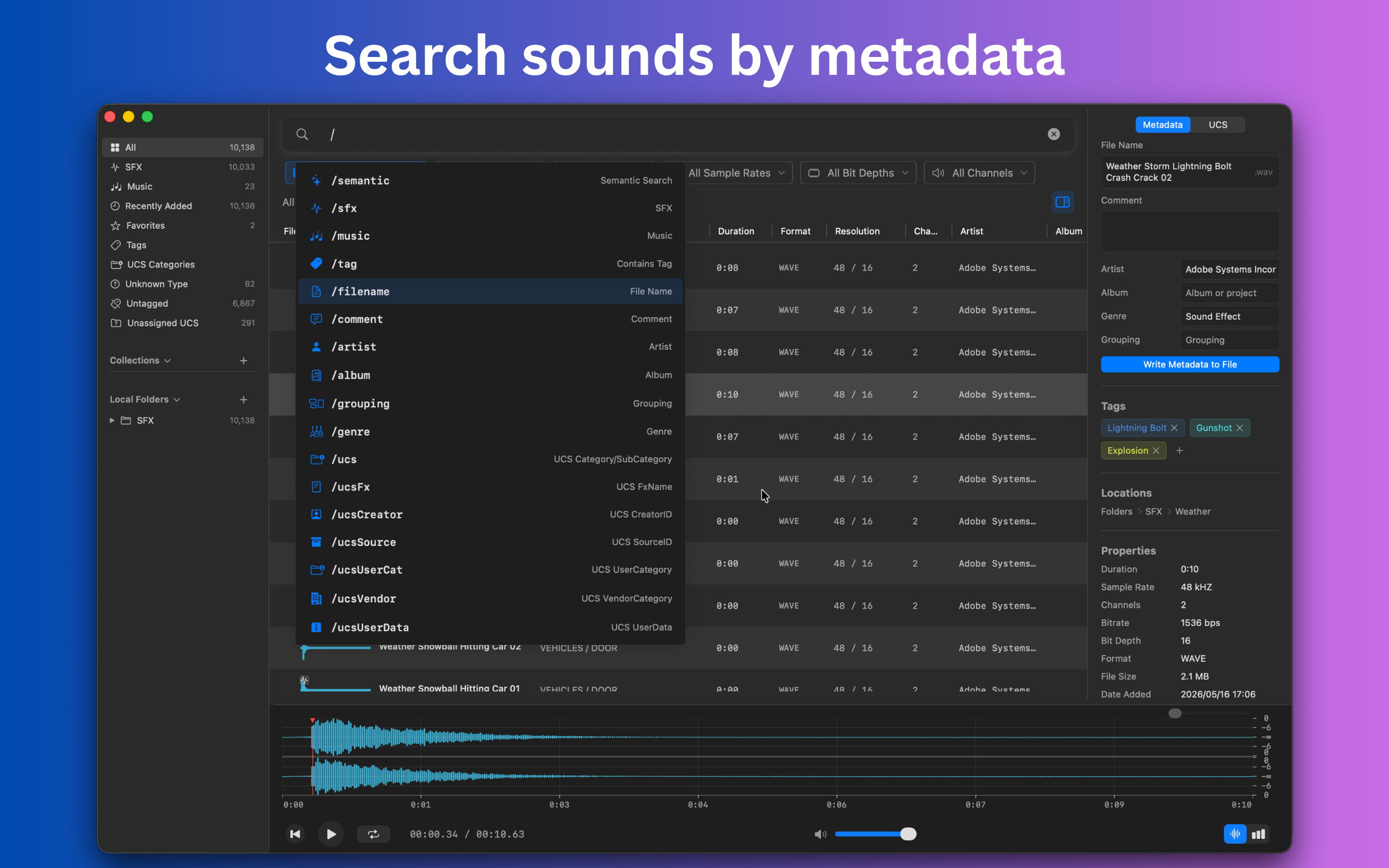
Metadata Search
Search through audio file metadata including filename, description, category, and other embedded information.
Metadata Writing
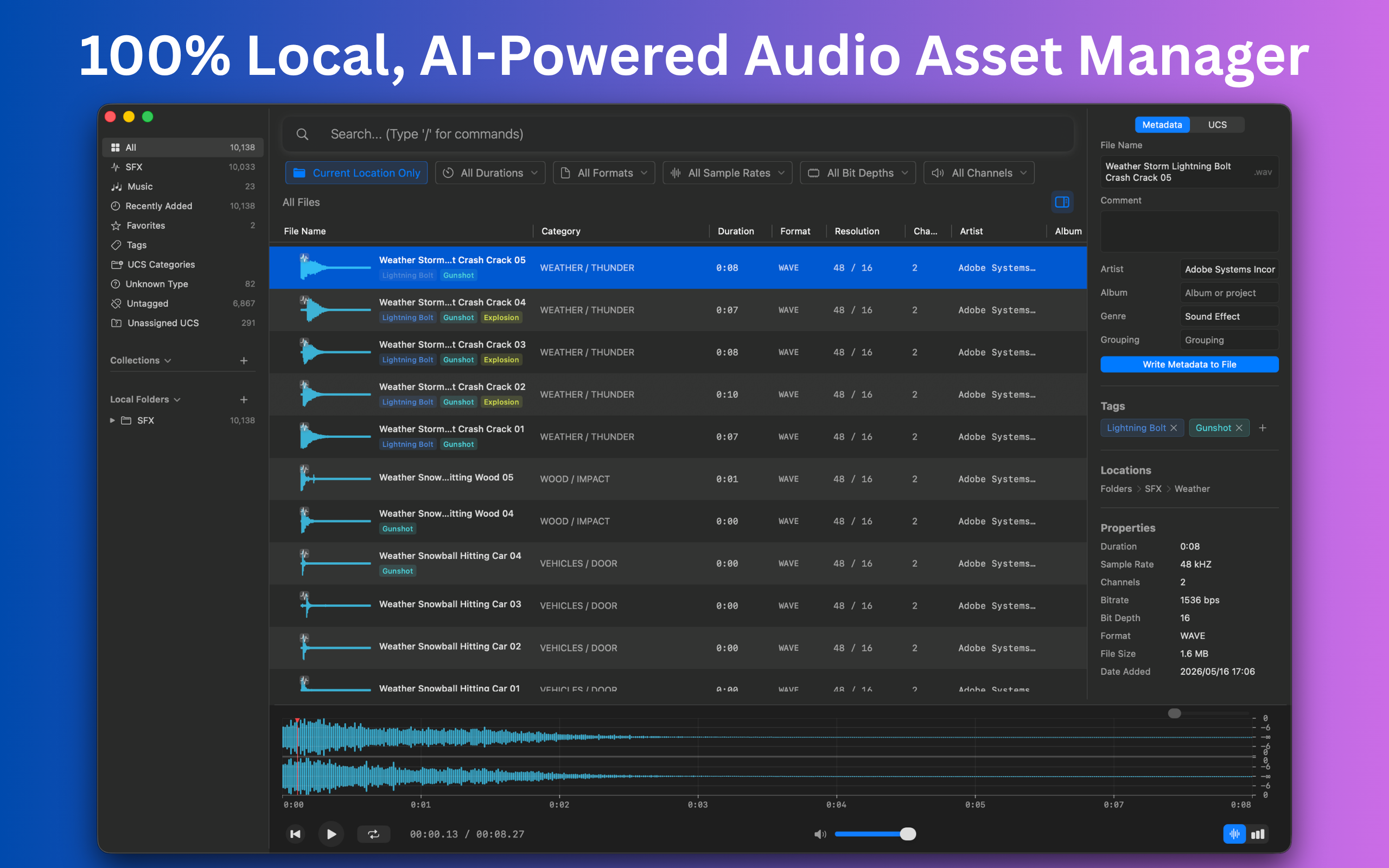
Edit and write back metadata directly to your audio files. Keep your library organized with rich, searchable information.
Similar Audio Search
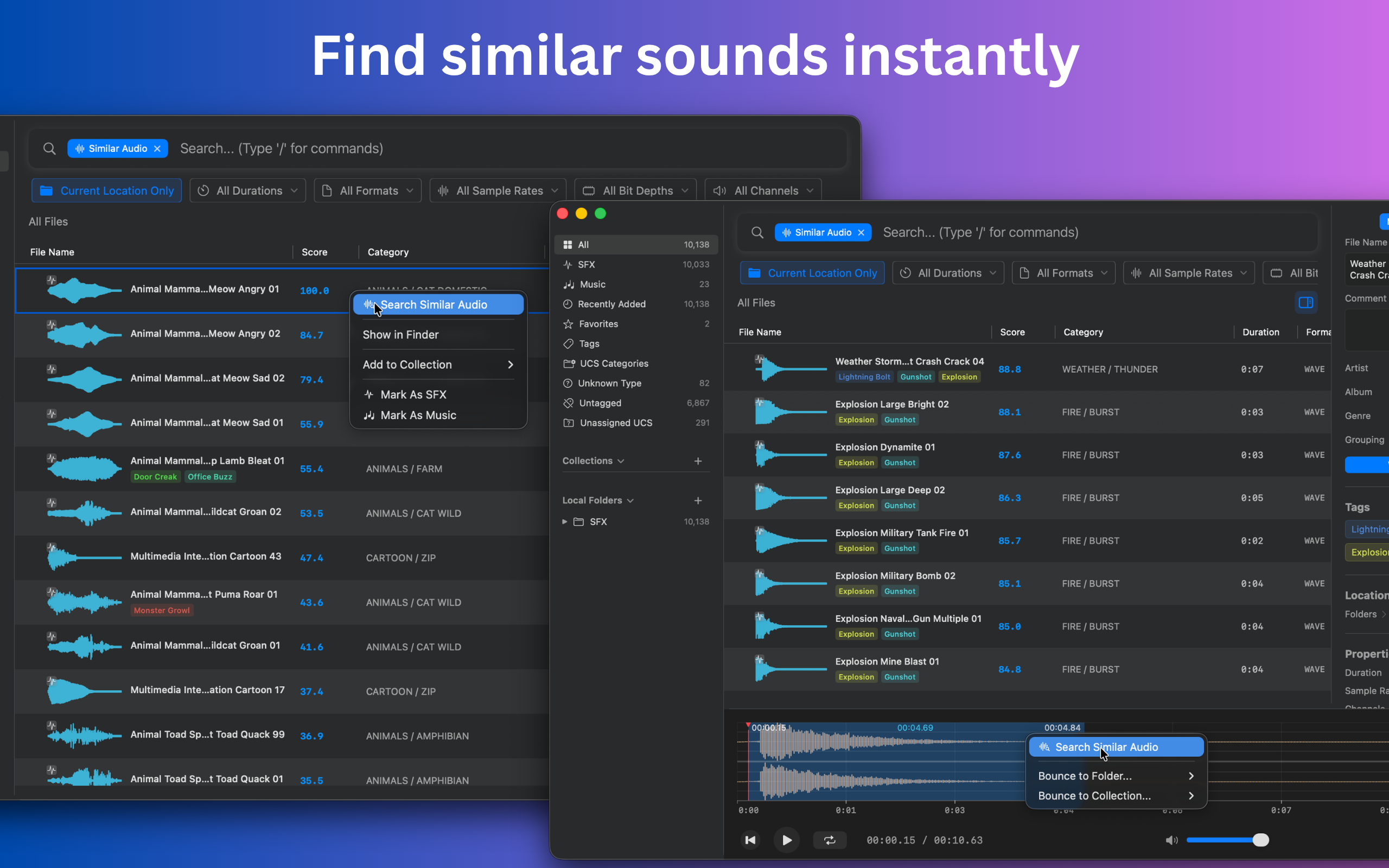
Find audio files that sound similar to a reference file. Free includes whole-file similarity search; Pro adds similarity search from a selected audio slice.
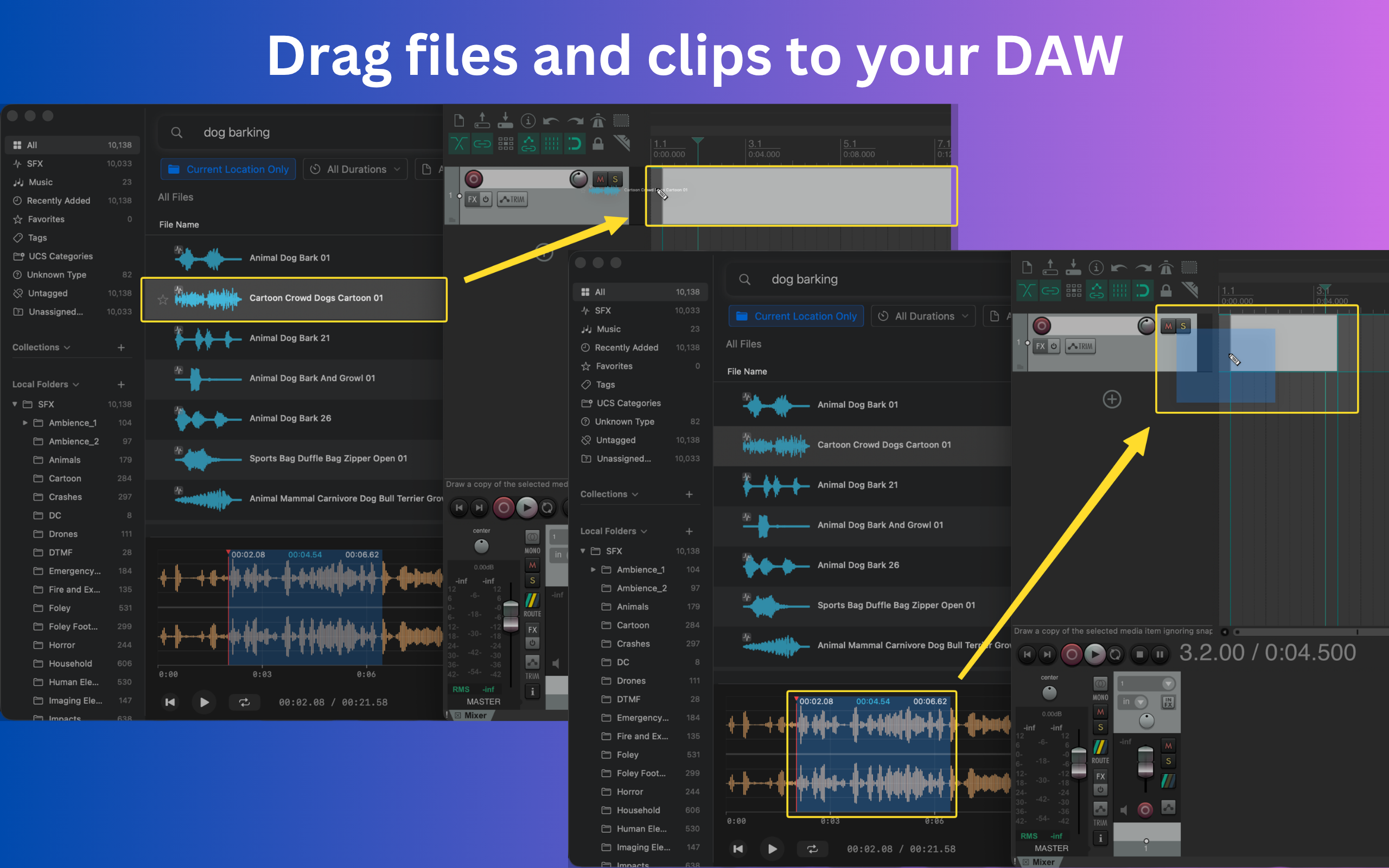
Integrate with DAWs & Editors
Drag audio files or selected clips into DAWs and video editors, or open audio files directly in your editing app.
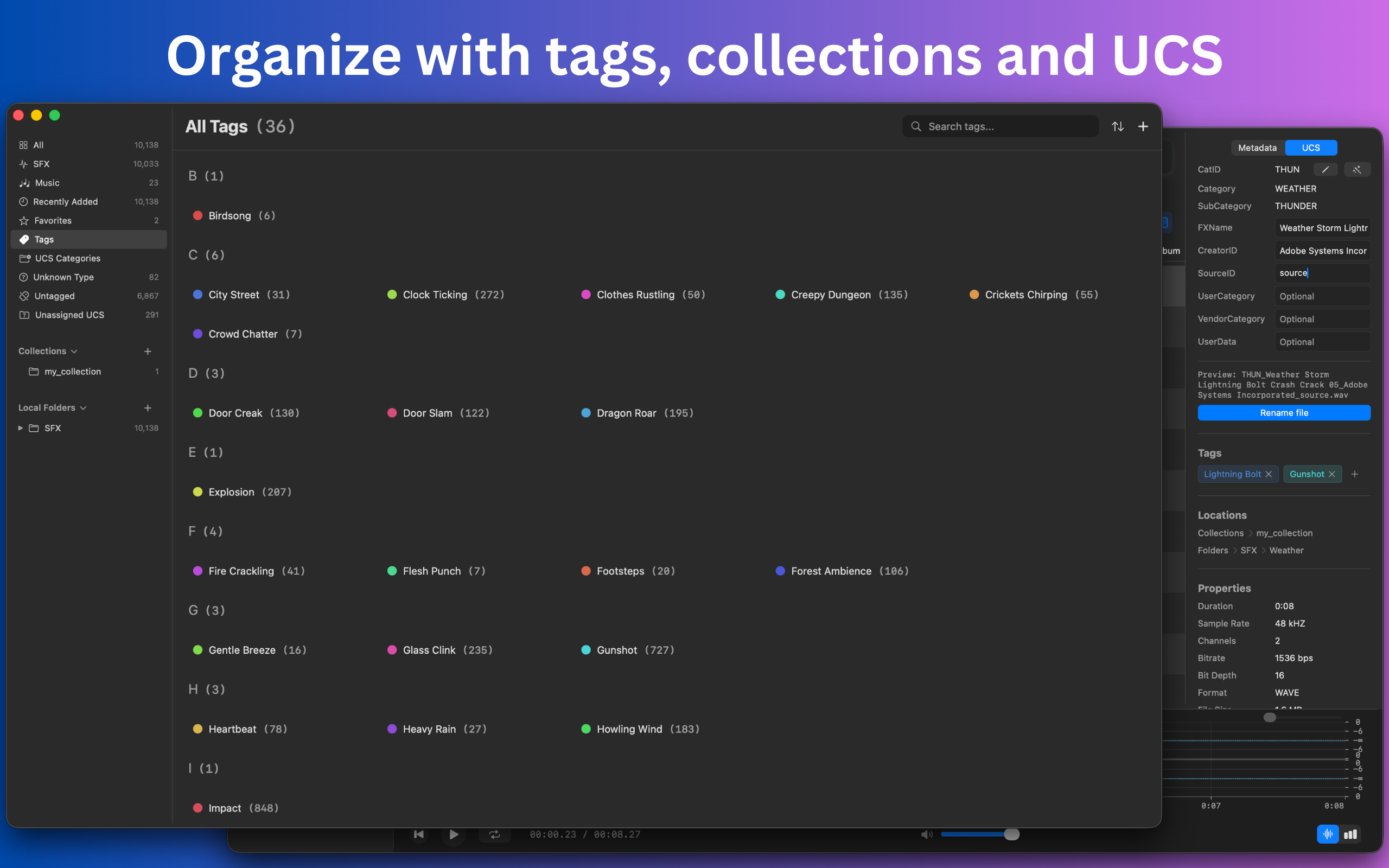
Tags
Create custom tags and organize your audio assets with a flexible tagging system for quick filtering.
UCS Classification
Organize sound effects using the Universal Category System — the industry standard for sound libraries.
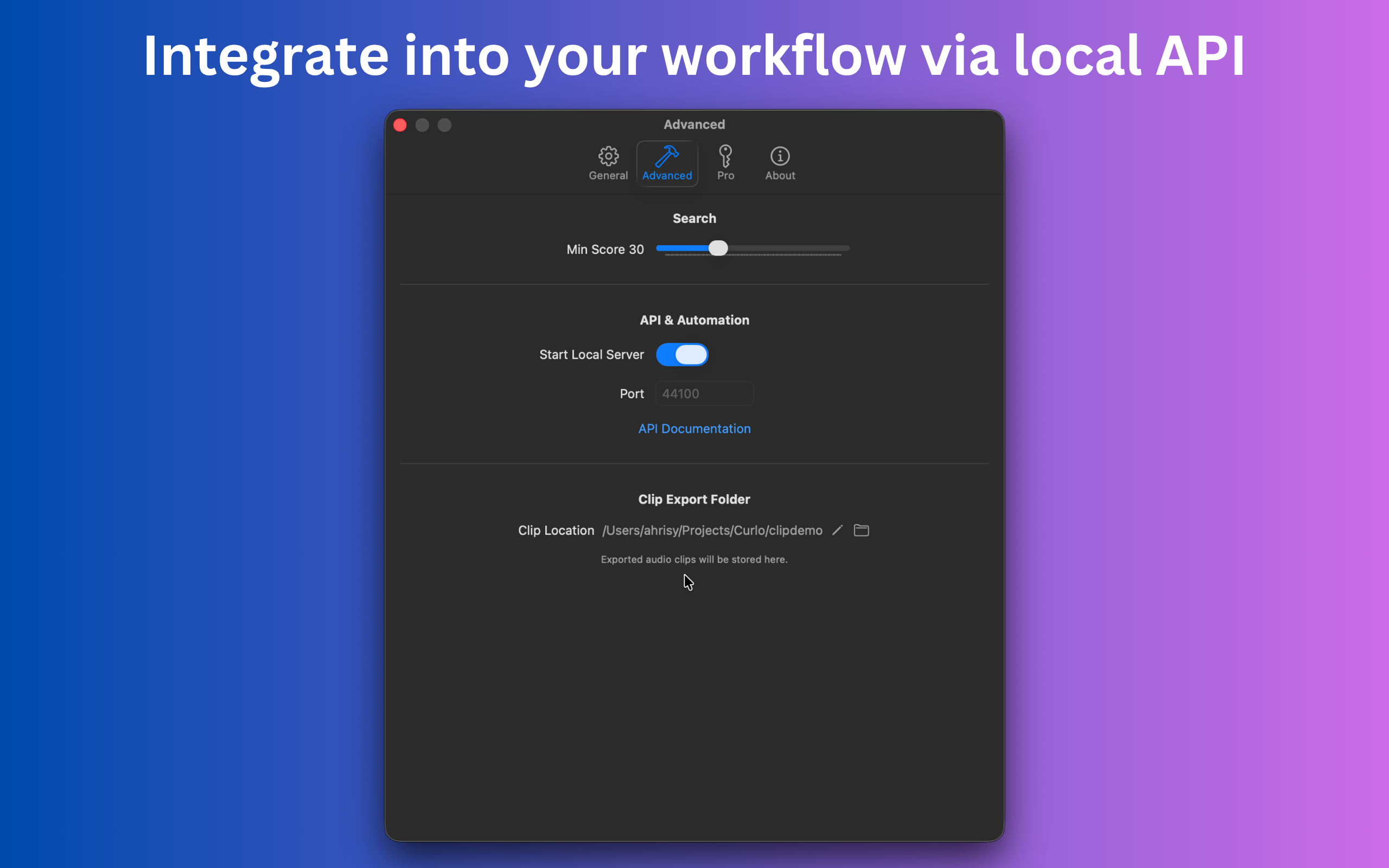
Local API
Integrate Curlo with your existing workflow through a local API. Build custom tools and automate your pipeline.
Privacy First
Your audio files, metadata, indexes, and search queries stay on your Mac. Curlo uses fully local AI models, with no network required for indexing or search.
Simple Pricing
Start free, upgrade when you need more power.
Free
Perfect for getting started
- Semantic Search
- Metadata Search
- Whole-file Similar Audio Search
- Tags & UCS Classification
- Up to 5,000 indexed files
Pro
Unlock the full power
- Everything in Free
- Metadata Writing
- Local API
- Similar Audio Search from selected slices
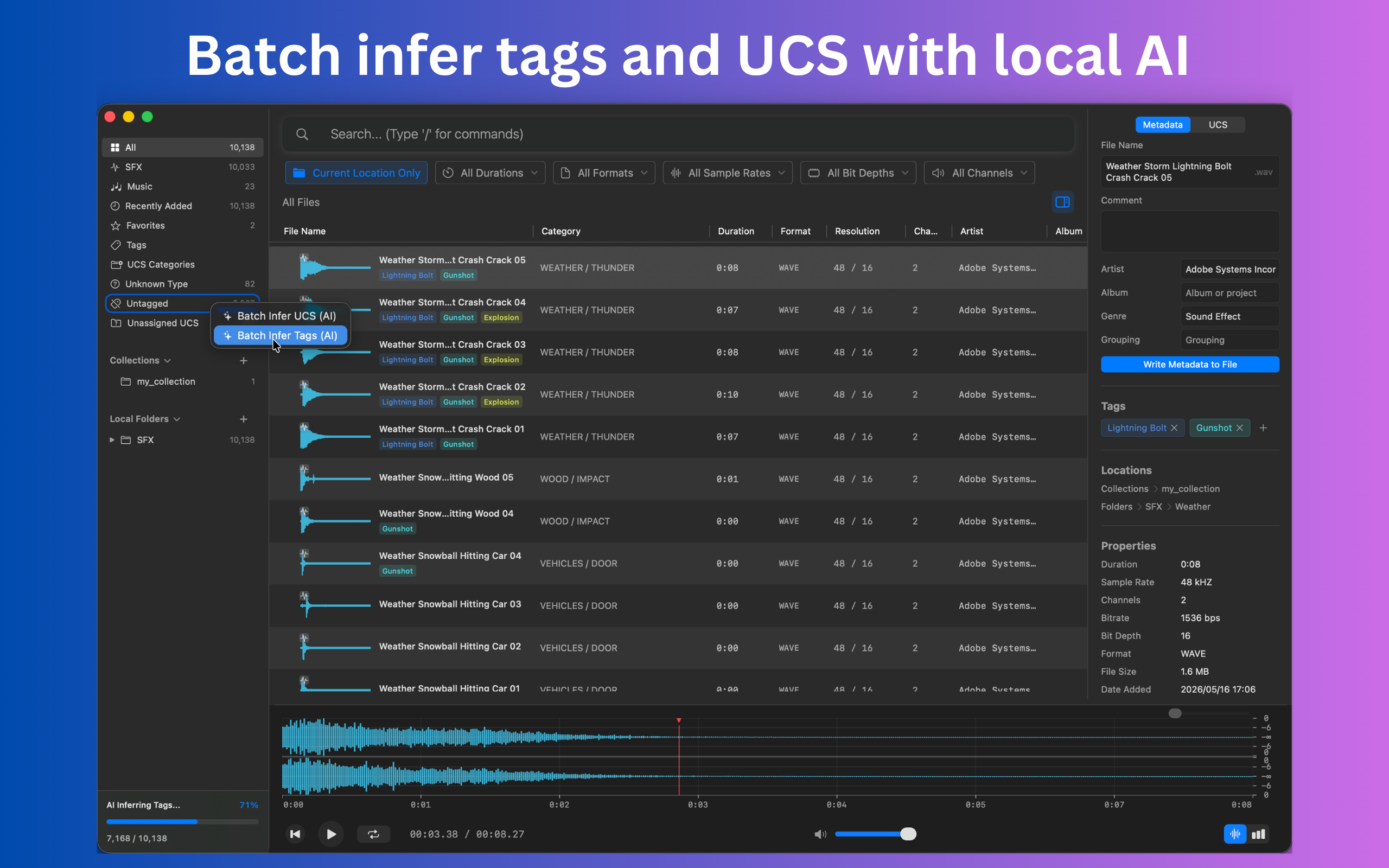
- AI batch tag and UCS inference
- Unlimited indexed files
- Priority support
Lifetime
Pay once, use forever
- Everything in Pro
- All future updates
- No recurring payments
FAQs
The practical details behind Curlo's local AI search, privacy model, and sound library workflow.
Which languages can I use for AI search?
Curlo supports almost all major languages for semantic search. Search quality may vary by language and query, and semantic search is free to use, so you can download Curlo and try it with your own language and library.
Does Curlo upload my audio files or require the internet?
No. Curlo indexes your library and runs AI search locally on your Mac. Your audio files, metadata, indexes, and search queries stay on your device, and no network connection is required for indexing or search.
Is Curlo safe?
Yes. Curlo only needs network access to check subscriptions and updates. Everything else can run without a network connection, and all other content is processed locally on your Mac.
How do I manage or cancel my subscription?
For the Mac App Store version, manage or cancel your subscription in the App Store under your Apple ID subscriptions. For the direct distribution version, use Curlo under Settings > Pro. You can also visit the Creem Customer Portal, or contact [email protected] for help.
What is semantic search?
Semantic search lets you describe the sound you want in natural language, such as heavy rain, sci-fi laser, or gentle piano. Curlo searches by meaning instead of relying only on exact filenames or tags.
How large of a sound library can Curlo handle?
Curlo is designed for large local libraries and can still run smoothly with a library of 100,000 audio files.
What kind of sound libraries is Curlo for?
Curlo is built for local sound effects, samples, music cues, and mixed audio libraries used by sound designers, editors, musicians, and creators on Mac.
How is Curlo different from cloud sound libraries?
Cloud libraries help you discover or download sounds online. Curlo focuses on the audio files you already have on your Mac, with private local AI search, metadata, tags, UCS classification, and DAW handoff.