
Semantic Search
Curlo’s semantic search lets you find audio files by describing what you’re looking for in natural language. No need to remember exact filenames or tags.
How It Works
Curlo uses machine learning models running locally on your Mac to understand the semantic meaning of your audio files. When you type a search query, Curlo matches it against the semantic embeddings of your indexed files.
Using Semantic Search
- Click the Search bar at the top of the main window or press
Cmd+Fto focus it. - By default, typing in the search bar performs a Hybrid Search. This combines Semantic Search with Metadata Search, calculating a weighted score to give you the most relevant results from both methods.
- If you want to use Pure Semantic Search, choose the
/semanticcommand before your query. - Results will appear ranked by their relevance Score. Higher score means the audio is more similar to your query.
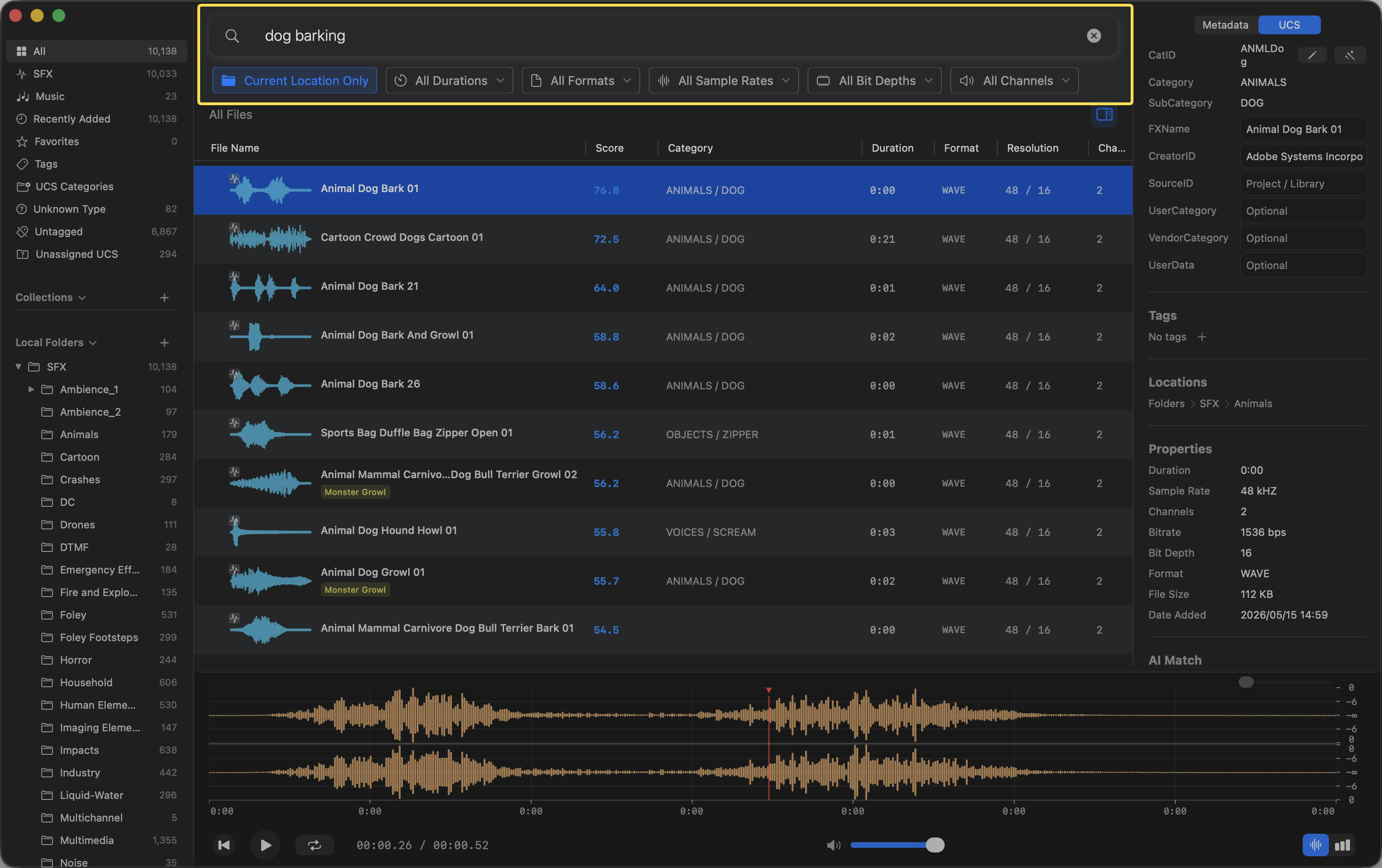
Note: Semantically matched clips will be highlighted in orange within the Viewer.
Setting a Minimum Score Threshold
You can adjust the sensitivity of your semantic search and similar audio search by configuring a minimum score threshold.
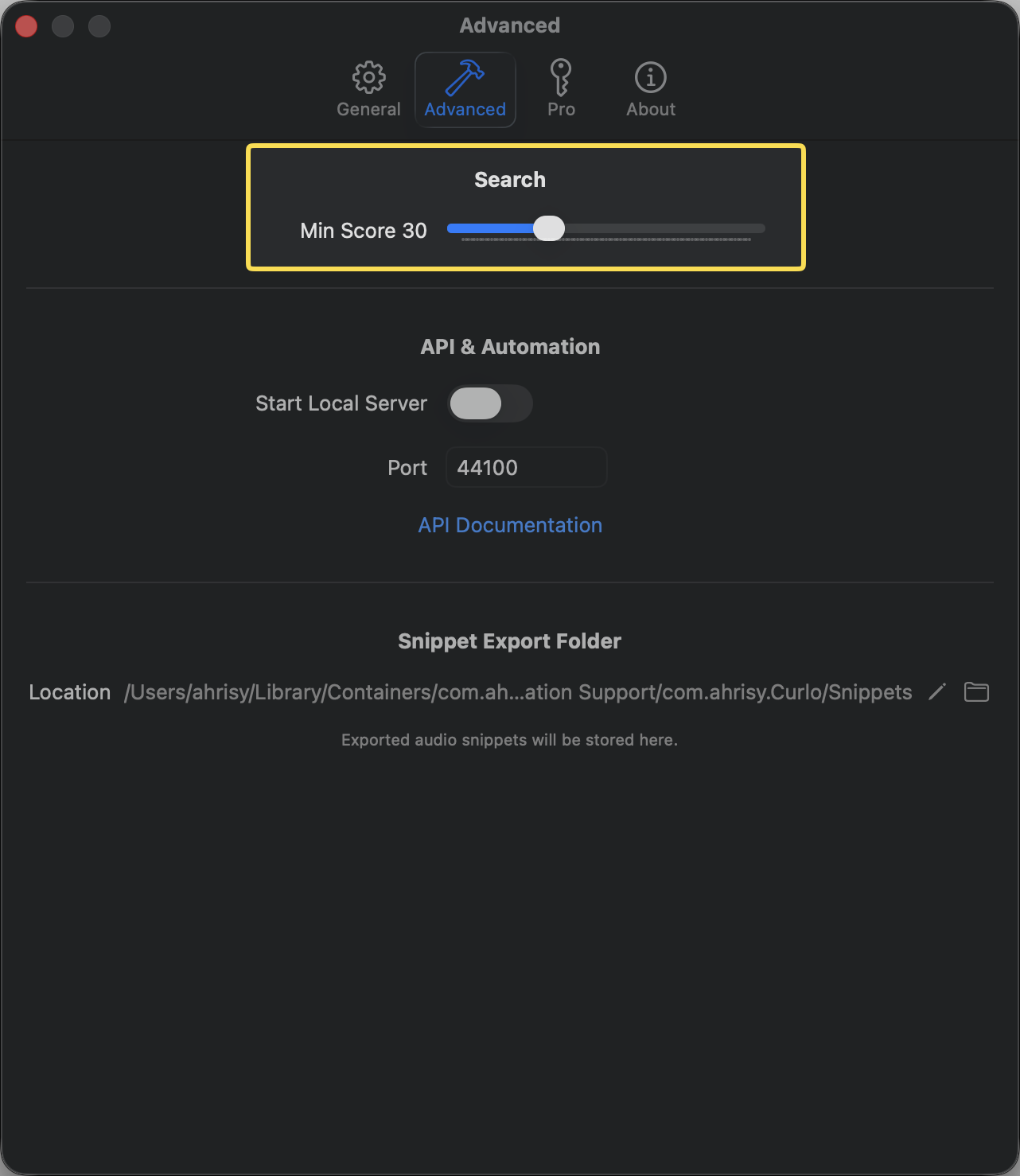
Go to Settings > Advanced and adjust the Min Score slider. Any audio files with a relevance score lower than this value will be automatically excluded from the search results, helping you filter out less relevant matches and focus only on the most accurate hits.
Example Queries
- “heavy rain on a tin roof”
- “footsteps on gravel”
- “cinematic whoosh transition”
- “gentle piano melody”
- “sci-fi laser blast”
Tips for Better Results
- Be descriptive: “thunderstorm with heavy rain and distant thunder” works better than just “rain”
- Use specific terms: “wooden door creaking” is more precise than “door sound”
- Try variations: If results aren’t what you expect, try rephrasing your query
- Combine concepts: You can describe complex sounds by combining multiple elements
Privacy
All semantic processing happens locally on your Mac. Your audio files and search queries are never sent to any external server.