
Editing & Writing Metadata
Curlo lets you view, edit, and write metadata directly to your audio files, keeping your library organized and searchable.
Viewing & Editing Metadata
- Select any audio file in your library.
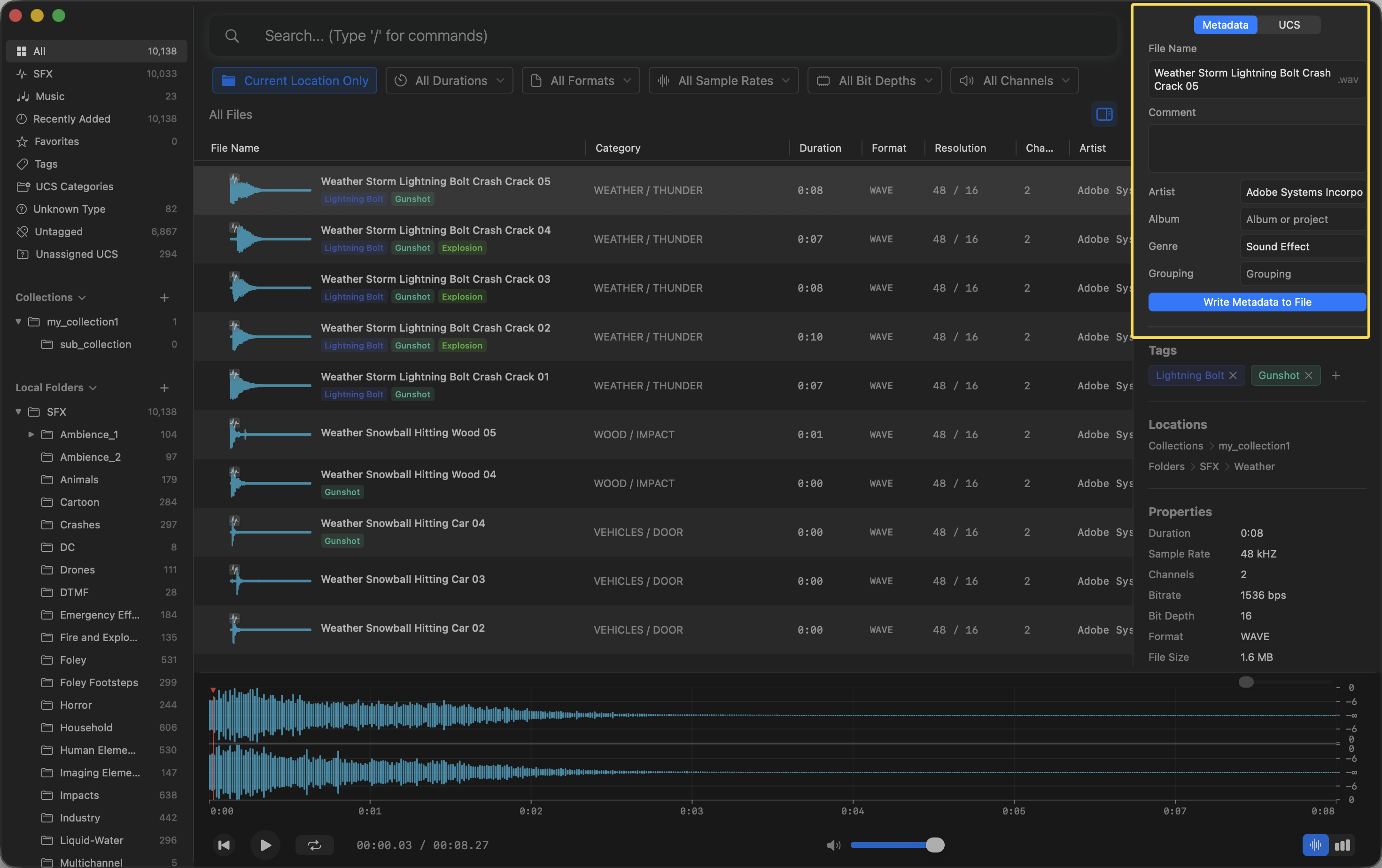
- The Inspector panel on the right side of the screen will show all available information under the Metadata tab.
-
- You can click on fields like
Comment,Artist,Album,Genre, andGroupingto edit them. PressEnterto save your changes.
- You can click on fields like
Writing Changes
Curlo does not modify your original files until you explicitly tell it to.
- Make your desired changes in the Metadata tab.
- Click the blue Write Metadata to File button at the bottom of the section.
- Curlo will embed the new metadata directly into the audio file, ensuring other applications can read it.